 b19e355e0e
* Move @k8slens/generate-tray-icons to seperate package Signed-off-by: Sebastian Malton <sebastian@malton.name> * Rename very long folder name to fix issue on windows Signed-off-by: Sebastian Malton <sebastian@malton.name> * Make it possible to build on windows using powershell Signed-off-by: Sebastian Malton <sebastian@malton.name> * Fix integration tests on windows Signed-off-by: Sebastian Malton <sebastian@malton.name> * Don't error on close directly Signed-off-by: Sebastian Malton <sebastian@malton.name> * Switch to type: module for generate-tray-icons Signed-off-by: Sebastian Malton <sebastian@malton.name> * Make more packages type:module Signed-off-by: Sebastian Malton <sebastian@malton.name> * Fix scripts needing node Signed-off-by: Sebastian Malton <sebastian@malton.name> --------- Signed-off-by: Sebastian Malton <sebastian@malton.name> |
||
|---|---|---|
| .github | ||
| .idea | ||
| .vscode | ||
| docs | ||
| jsonnet/lens | ||
| mkdocs | ||
| packages | ||
| troubleshooting | ||
| .adr.json | ||
| .gitignore | ||
| .npmrc | ||
| .yarnrc | ||
| CODE_OF_CONDUCT.md | ||
| CONTRIBUTING.md | ||
| lerna.json | ||
| LICENSE | ||
| license-header | ||
| mkdocs.yml | ||
| nx.json | ||
| package.json | ||
| README.md | ||
| RELEASE_GUIDE.md | ||
| SECURITY.md | ||
| tsconfig.json | ||
| yarn.lock | ||
Lens Desktop Core ("OpenLens")


The Repository
This repository is where Team Lens develops the core of the Lens Desktop product together with the community.
The core is a library, powered by Electron and React. Unlike generic Electron + React frameworks / boilerplates, it is very opinionated for creating Lens Desktop-like applications and has support for Lens Extensions.
In the future, this library will be streamlined to become more customizable and pluggable with easy to use tooling for Lens Extension developers.
This source code is available to everyone under the MIT license.
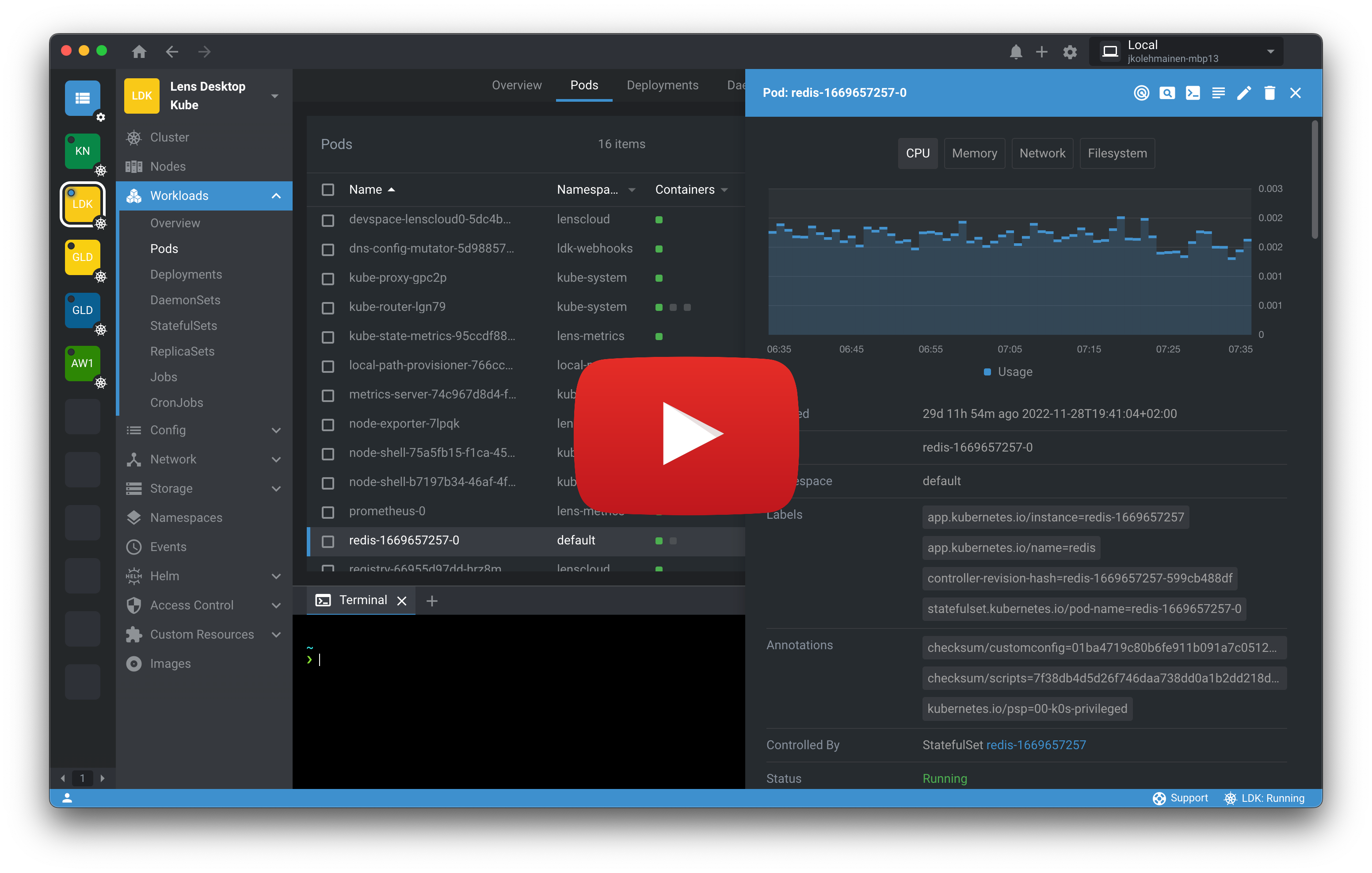
Lens Desktop
Lens Desktop is built on top of the Lens Desktop Core with Team Lens built extensions released under a traditional Terms Of Service.
Lens Desktop is a standalone application for MacOS, Windows and Linux operating systems. Get started by downloading it from Lens website.
Development
See Development page.
Contributing
See Contributing page.
License
See License.