mirror of
https://github.com/lensapp/lens.git
synced 2025-05-20 05:10:56 +00:00

633 B
633 B
Removing clusters
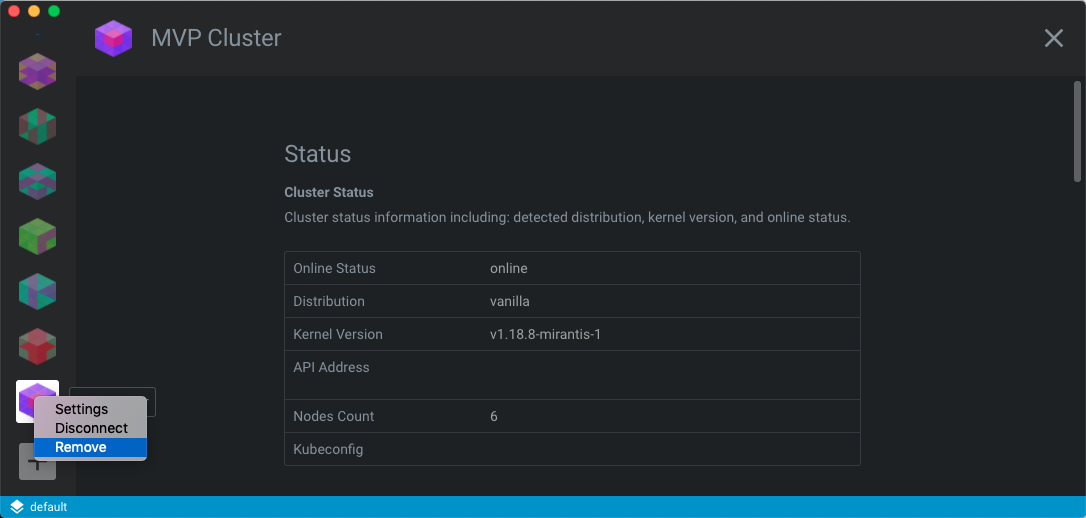
You can remove Lens clusters using the context menu that appears when you hover over the cluster in the left-side menu that you want to remove. By right-clicking the cluster of choice you can hit the Remove button to delete it from your list.
To remove a cluster from your cluster list:
- Hover over the name of the cluster you want to remove in the left side menu. A context menu will appear.
- Click Remove.
NOTE: This will only remove the cluster from your Lens cluster list. It will not affect your actual Kubernetes cluster or its configuration.